01 / 03
Choose your optics.
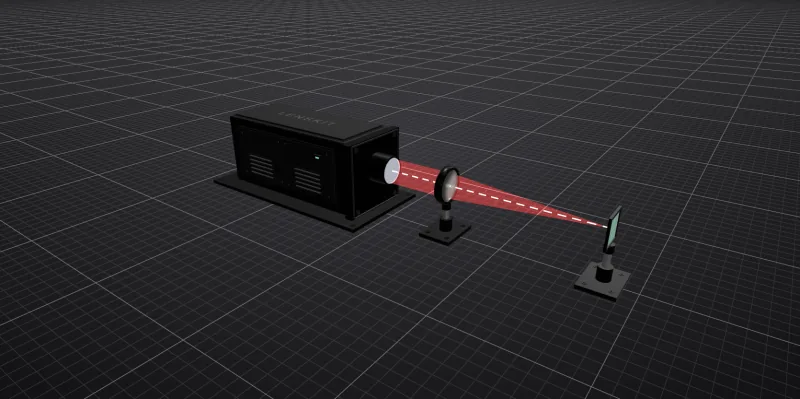
Set the source wavelength and profile. Add lenses and mirrors, insert supported Thorlabs singlets, or work from your own prescription.
Optical design for laser beam delivery
Choose optics, arrange your beam path, and inspect the modeled focus in your browser.
Currently free to use · No installation · Verify your email to start
Preparing the scene…
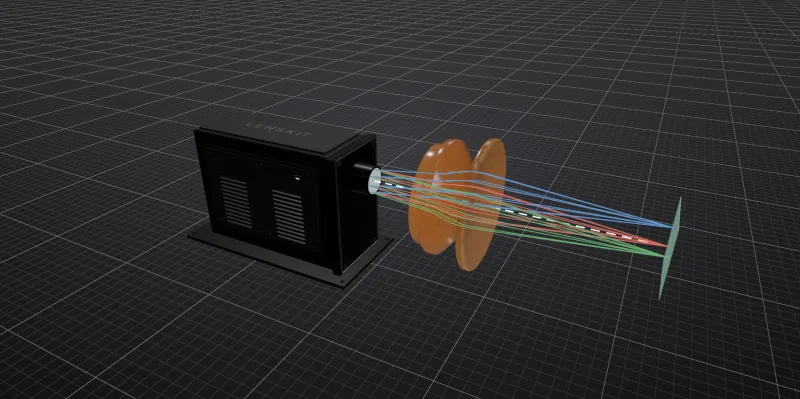
Drag to orbit · Select an opticOnly the front conic changes: 0 to −6.8. Radius, glass, and thickness stay the same. These are example shapes, not optimized designs.
632.8 nm λ · 20 mm ⌀ flat-top beam · 25 mm ⌀ BK7 lens
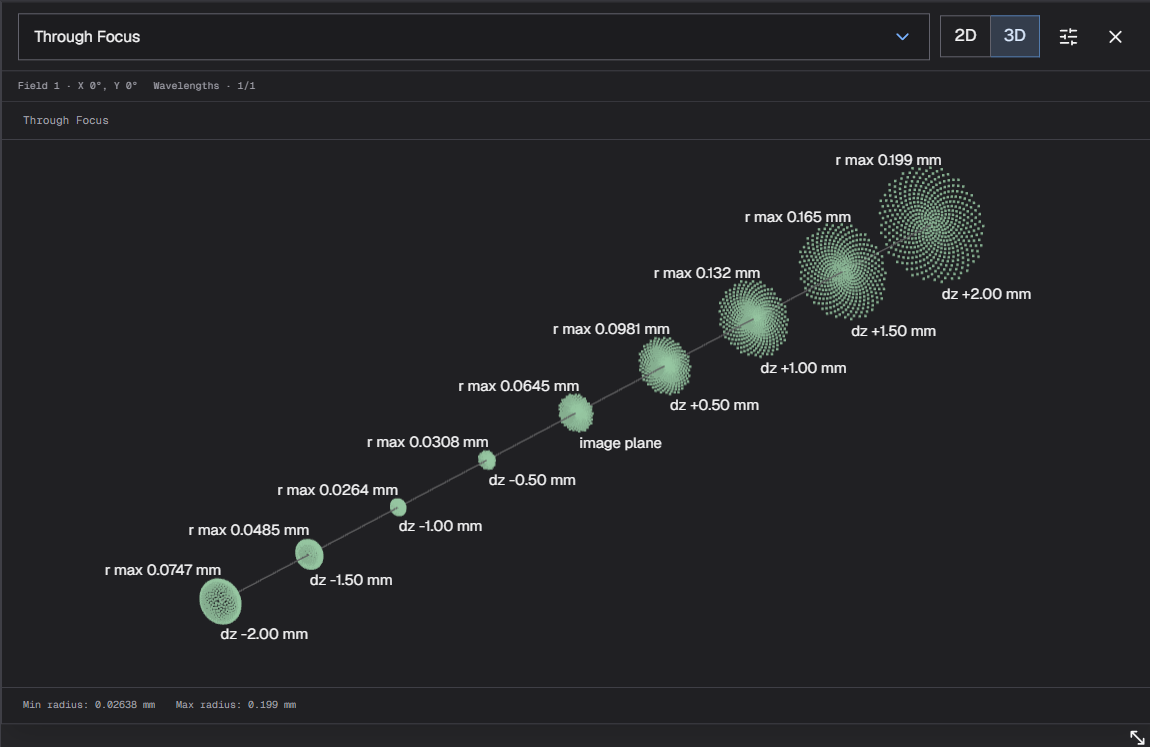
Compare the reported RMS spot radius and axis values as you make a change. Plot axes rescale to the result.
01 / Work through the design
For engineers building laser machines, instruments, and laboratory setups. Start with stock optics, arrange the beam path, and inspect the modeled result.
Set the source wavelength and profile. Add lenses and mirrors, insert supported Thorlabs singlets, or work from your own prescription.
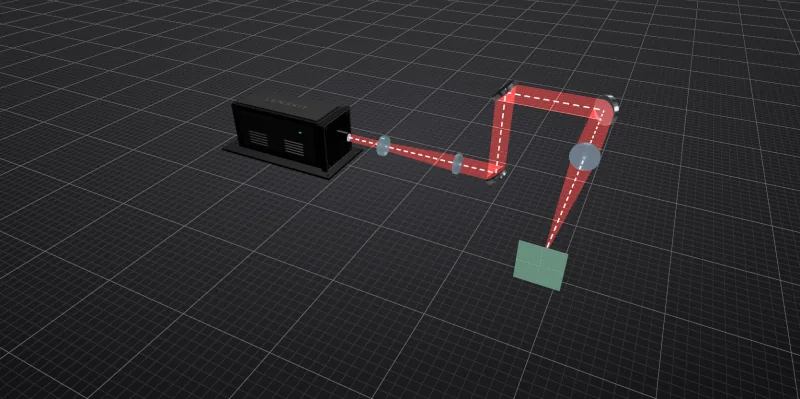
Set component spacing and mirror orientation. Inspect the folded layout in 3D and adjust alignment as you explore the design.
Run supported optical analyses, adjust the Image Plane, and save your system. Make an independent copy when you want to explore another direction.
Need a custom lens? Generate and refine an individual lens against a target focal length, with control over its spherical or aspheric surfaces.
02 / Make the result useful
Try the lens shape and plane-position controls above, then choose another analysis in the result panel. Use the computed result to inform the next change to your design.
Currently free to use · No installation · Verify your email to start
03 / A useful starting point
Choose a starter system close to what you’re building. Inspect the layout, then adapt the source, optics, and spacing to your situation.
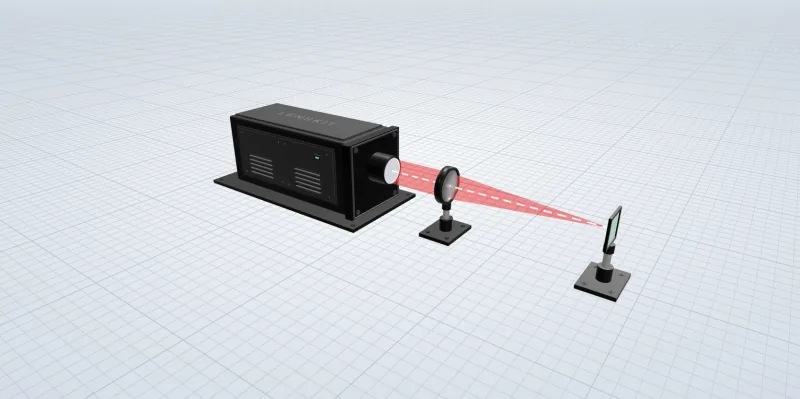
01
A single-element lens. The simplest place to start exploring focus, aberrations and the through-focus curve.
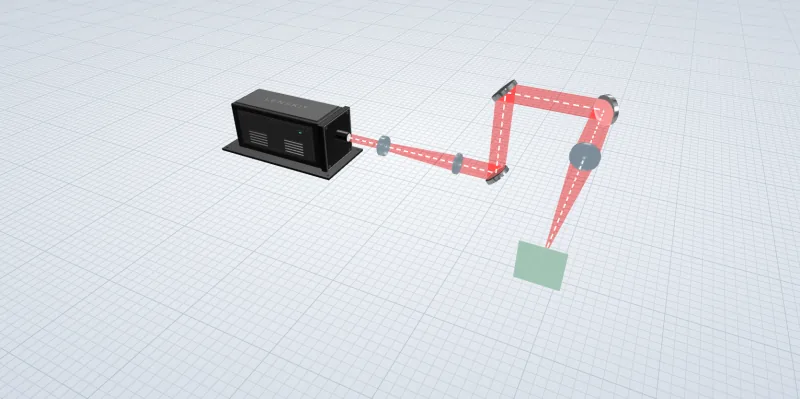
02
A mixed reflective and refractive system. Inspect how each mirror and lens contributes to the final image.
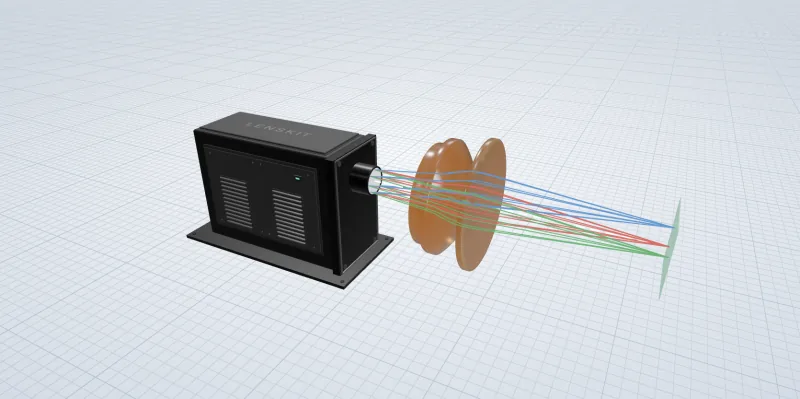
03
An infrared system designed for 10.6 µm. Inspect its components and how it performs at that wavelength.
Inspect a starter’s components and supported analyses, then create an account to save your own copy and develop the design.
04 / Keep the work moving
Keep the component choices, layout, and source settings together as the design develops.
Save lens prescriptions in your personal library and insert independent copies into another system.
Save systems to your account and reopen the layout later. New designs are private unless you choose to share them.
Share an unlisted link for others to view the system and run supported analyses. They can save their own copy without changing your original.
05 / Before you get started
What you need to begin, how your designs are shared, and where Lenskit fits.
Lenskit is currently free to use. Create an account, verify your email, and choose a username to start designing. Paid features are planned later; their scope and pricing have not been decided.
No prior Zemax workflow is required. You work with a source, lenses, mirrors, spacing, and an Image Plane in a visual workspace. You will still need to define your optical requirements and interpret the modeled results. Lenskit focuses on beam-delivery design and individual-lens tools; it does not cover every specialist optical-design workflow.
Yes. Browse Thorlabs lens data and insert supported, spectrum-compatible singlets into your system. You can also enter your own prescription or reuse a lens from your personal library. Check current part specifications with the supplier before ordering.
New designs are private. You can keep them private, share an unlisted link, or publish them in the gallery. People with access can inspect the system and run supported analyses. Editing another person’s design requires an independent copy; it does not change the original.
The editor supports Gaussian source profiles and ray-based optical analysis. A complete Gaussian beam propagation workflow is not currently available.
The current editor imports and exports Lenskit JSON files. Zemax .zmx export is not currently available.
Choose optics, adjust spacing, and inspect the modeled results in your browser.
Currently free to use · No installation · Verify your email to start